Quick Start Guide
Gain Access to Your Personal Financial Portal

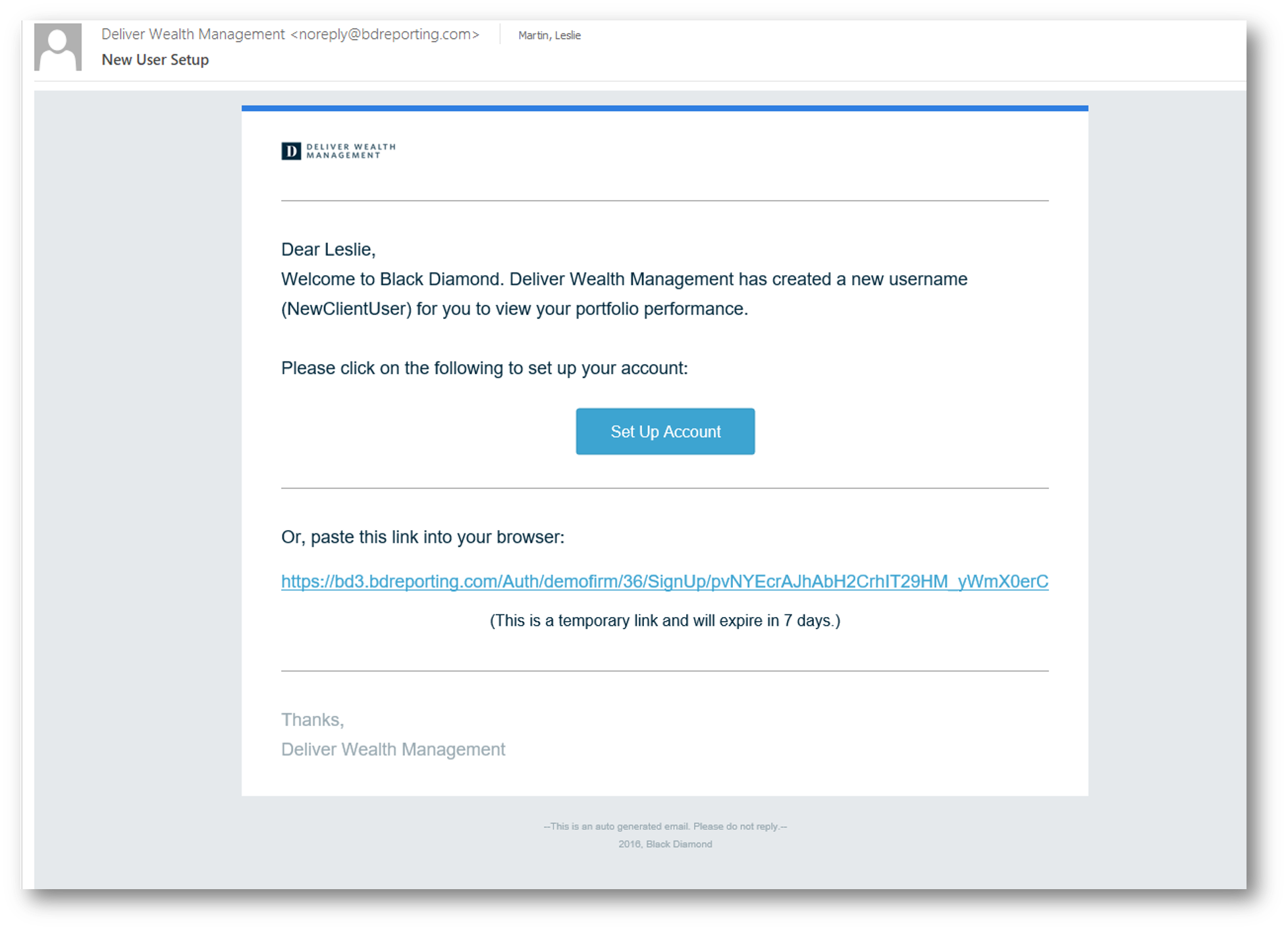
You will receive a “New User Setup” email similar to the example shown here.
This email will come “from” our firm and a “no reply” email address of noreply@bdreporting.com.
Included in this email is a link to set up your account. Please click on the “Set Up Account” button or, copy and past the full url into your browser.
For security purposes, your set up link will expire after 7 calendar days.
Should the link expire, let us know and we will be happy to resend the email with a new set up link.

Upon clicking the link within the email (or copying and pasting it into your browser), you will be prompted to set security questions.
It is required you choose a security question from the preexisting lists and set up all three questions.
To continue, click “Next.”
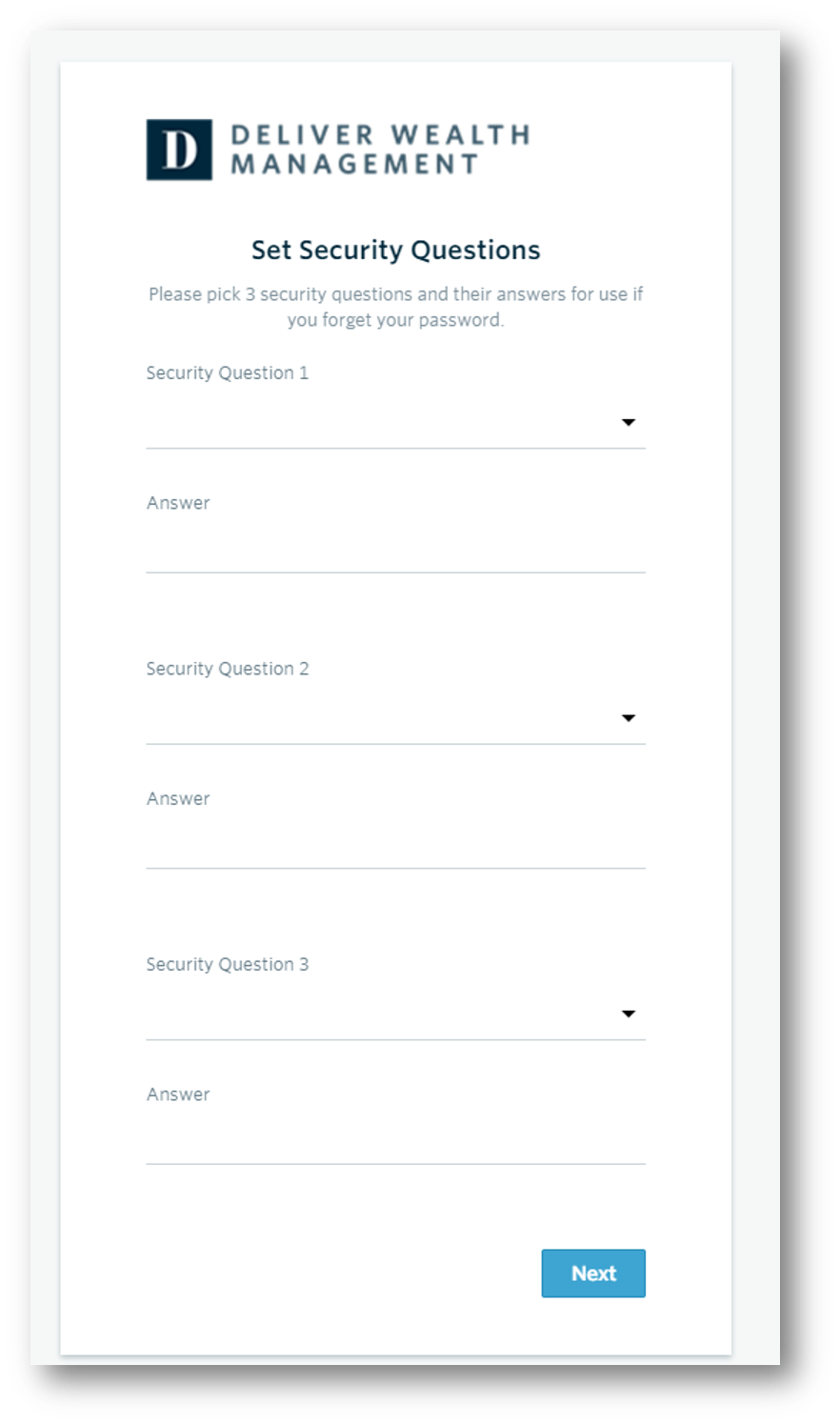

Upon clicking the link within the email (or copying and pasting it into your browser), you will be prompted to set security questions.
It is required you choose a security question from the preexisting lists and set up all three questions.
To continue, click “Next.”
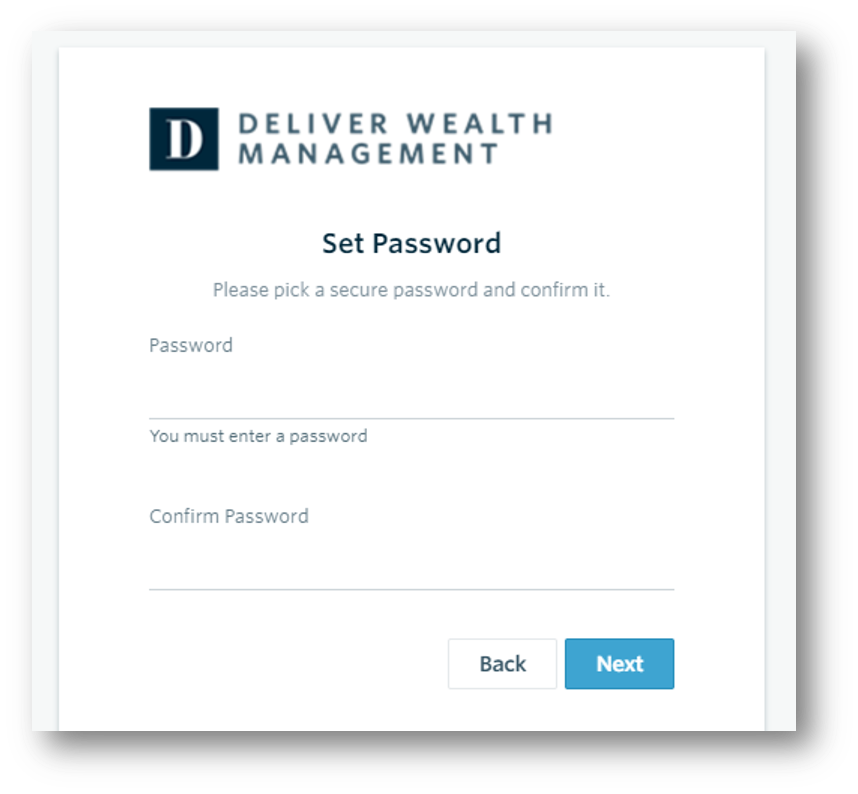

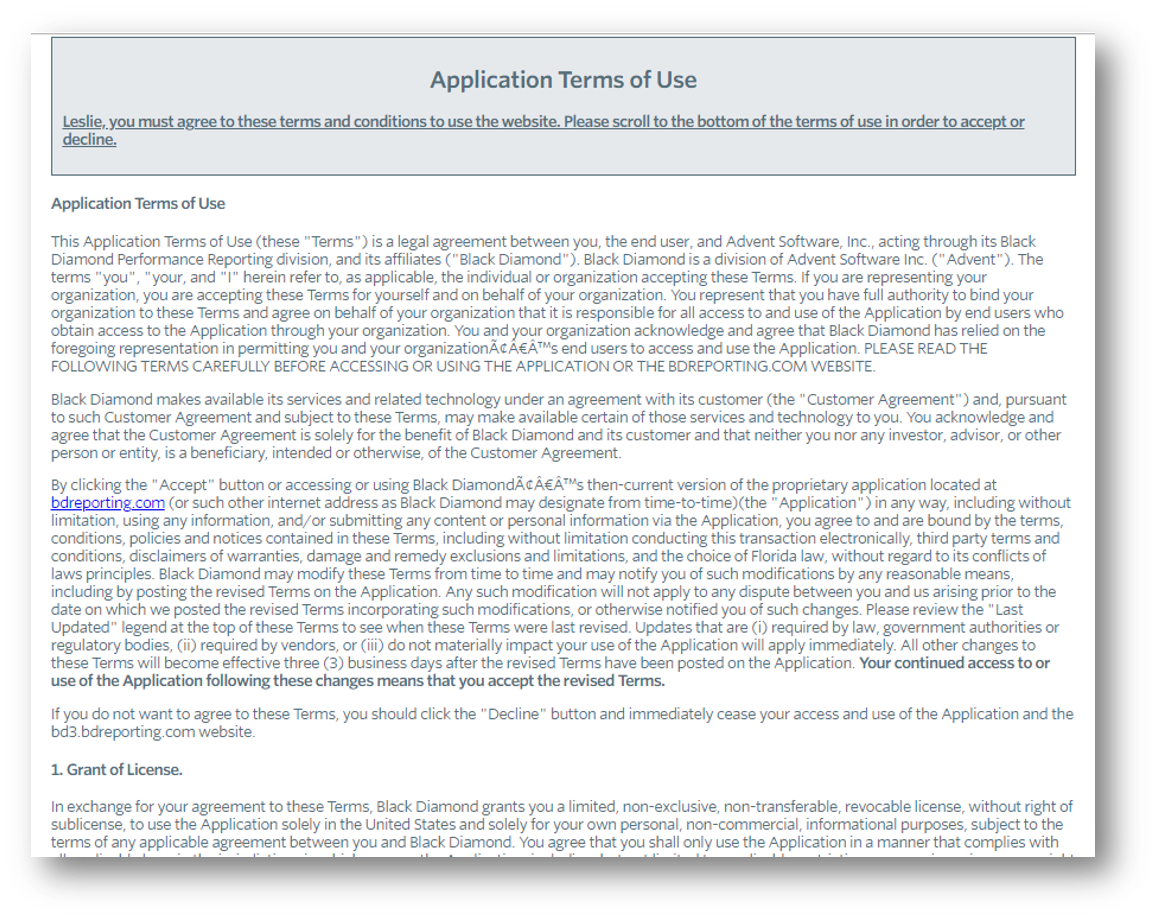
The final step is to read through and accept the “Application Terms of Use.”
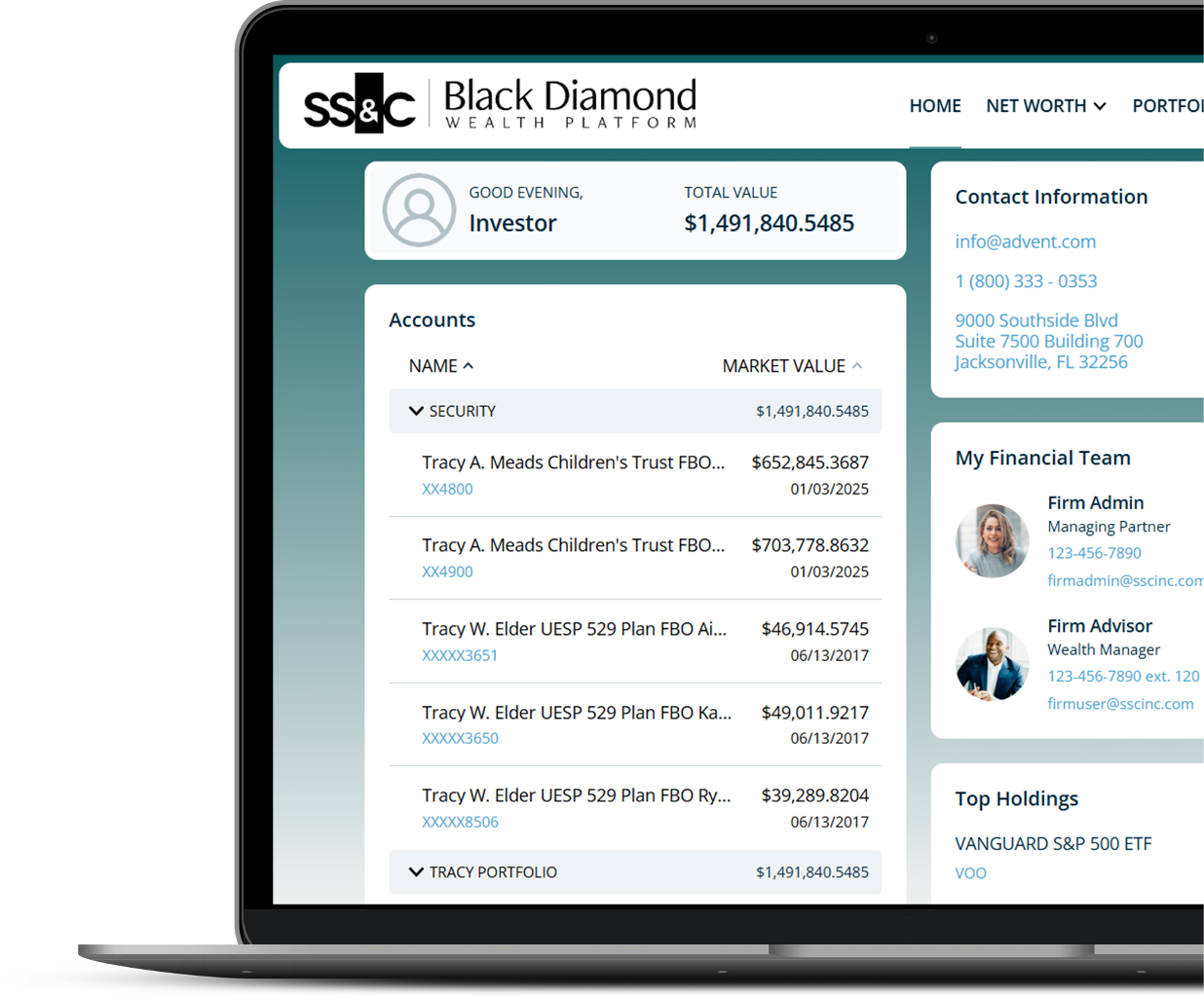
After accepting, you will be automatically directed to your personalized client portal!
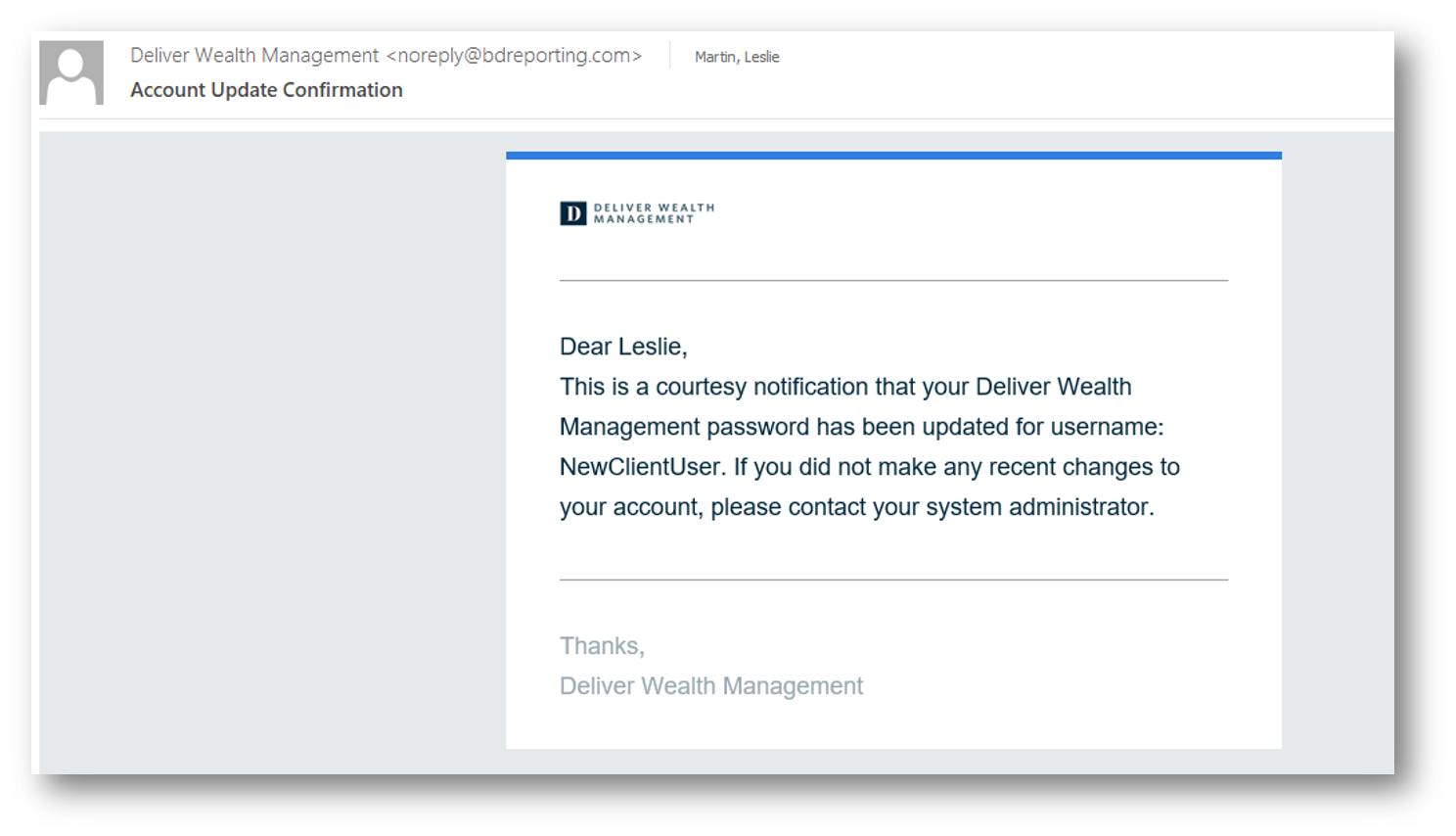
At this time, you will also receive a second email letting you know your password has been updated.
This email will once again come “from” our firm and a “no reply” email address of noreply@bdreporting.com.